
TEST · Code + images + text — Rendering ACF galleries in a static blog
Test post: text, code blocks (PHP, SCSS, HTML) and loose images mixed together.

Test post mixing text, code and images. The topic is fitting: turning the acf/gallery block into plain HTML in the static generator.
Parsing the block
WordPress stores the gallery as a block comment with the attachment IDs in its JSON. parse_blocks() does the hard part.
<?php
// Find every ACF gallery block in a post and return its attachment IDs.
function acf_gallery_ids(string $content): array {
    $ids = [];
    foreach (parse_blocks($content) as $block) {
        if ($block['blockName'] !== 'acf/gallery') {
            continue;
        }
        $ids = array_merge($ids, array_map('intval', $block['attrs']['data']['gallery'] ?? []));
    }
    return $ids;
}
With the IDs in hand, each image becomes a <figure> with a proper srcset.
<?php
// Render one gallery as static HTML, no JavaScript required.
function render_gallery(array $ids): string {
    $items = array_map(function (int $id): string {
        $src    = wp_get_attachment_image_url($id, 'large');
        $srcset = wp_get_attachment_image_srcset($id, 'large');
        $alt    = esc_attr(get_post_meta($id, '_wp_attachment_image_alt', true));
        return "<figure><img src=\"{$src}\" srcset=\"{$srcset}\" alt=\"{$alt}\" loading=\"lazy\"></figure>";
    }, $ids);
    return '<div class="gallery">' . implode('', $items) . '</div>';
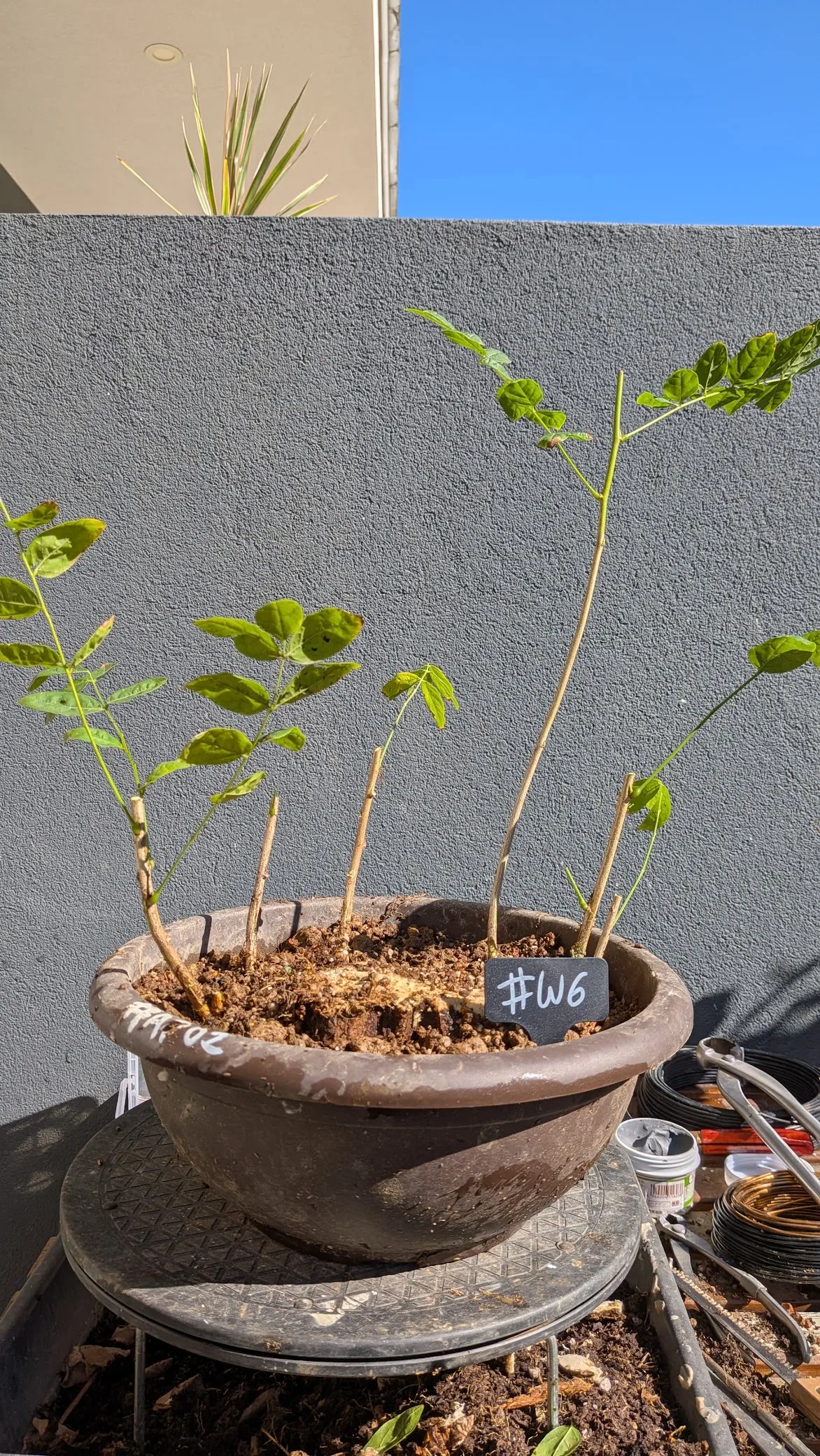
}
Styling it
// Responsive grid that keeps portrait photos from towering over the text.
.gallery {
  display: grid;
  grid-template-columns: repeat(auto-fill, minmax(10rem, 1fr));
  gap: 0.5rem;

  img {
    width: 100%;
    aspect-ratio: 3 / 4;
    object-fit: cover;
    border-radius: 0.25rem;
  }
}
The output
<div class="gallery">
  <figure><img src="…/bonsai-1.webp" alt="Olive" loading="lazy"></figure>
  <figure><img src="…/bonsai-2.webp" alt="Juniper" loading="lazy"></figure>
</div>
End of the test post.